Your useful text, always within reach
Save replies, addresses, links, payment details, templates, and any text you’re tired of typing again.
 QuickCopy
Private by design · Built for iPhone
Save the messages, details, and links you reuse. Find the right snippet and copy it instantly—without an account, a learning curve, or cloud clutter.
Free for 5 notes and 1 folder · Lifetime Pro unlock available
Try it — tap a snippet
Made for repeated work
QuickCopy turns the text you reuse into a quiet, searchable library that stays ready whenever you need it.
Save replies, addresses, links, payment details, templates, and any text you’re tired of typing again.
Search titles and content together, so the right snippet surfaces before the thought leaves your head.
Separate clients, projects, FAQs, and personal details with simple folder filters.
Drag to reorder your snippets and keep your most-used answers right at the top.
Clear copy confirmation, tactile feedback, and a five-second undo make everyday use feel dependable.
A faster little loop
QuickCopy is designed around one simple rhythm: find what you need, tap it, and paste it into any app.
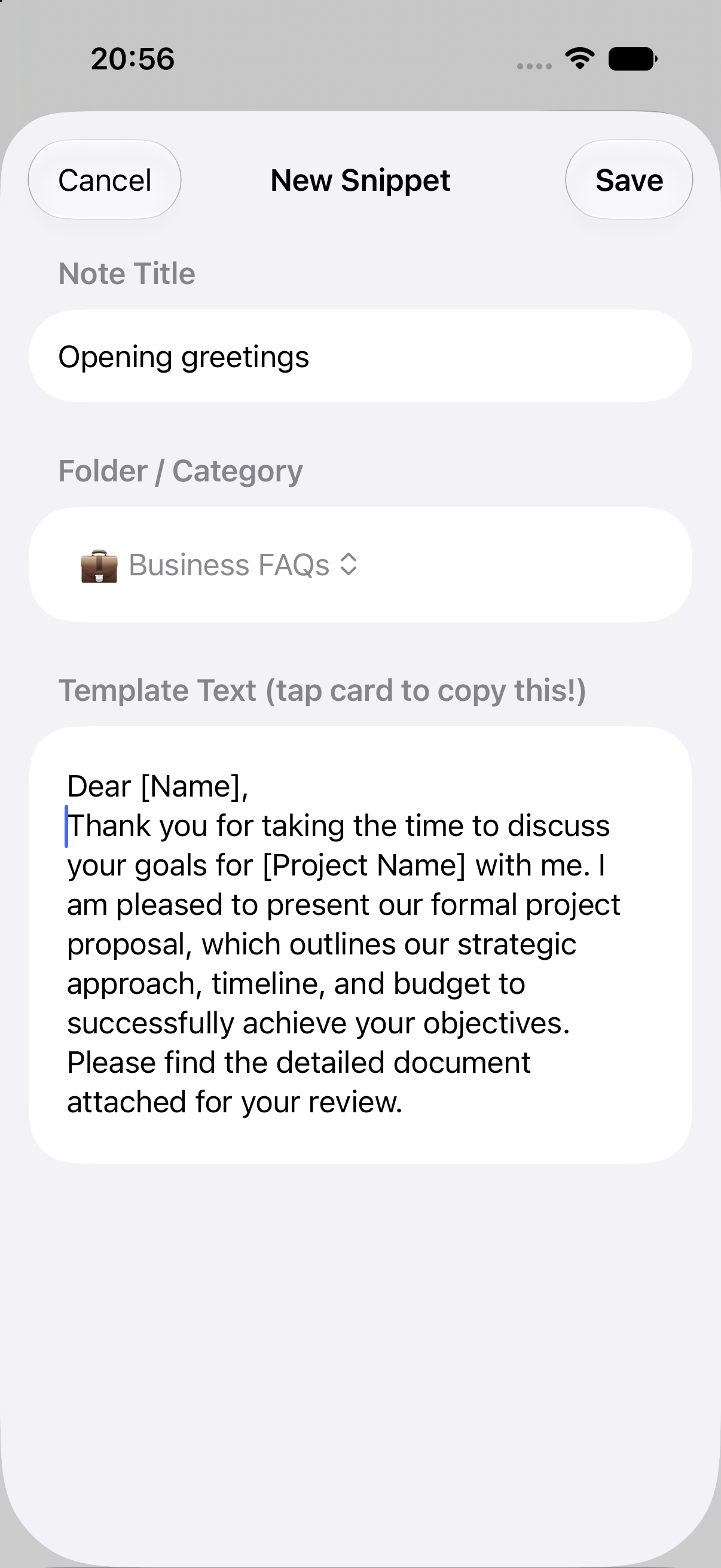
Add the replies and details you reach for every day, then group them however your work makes sense.
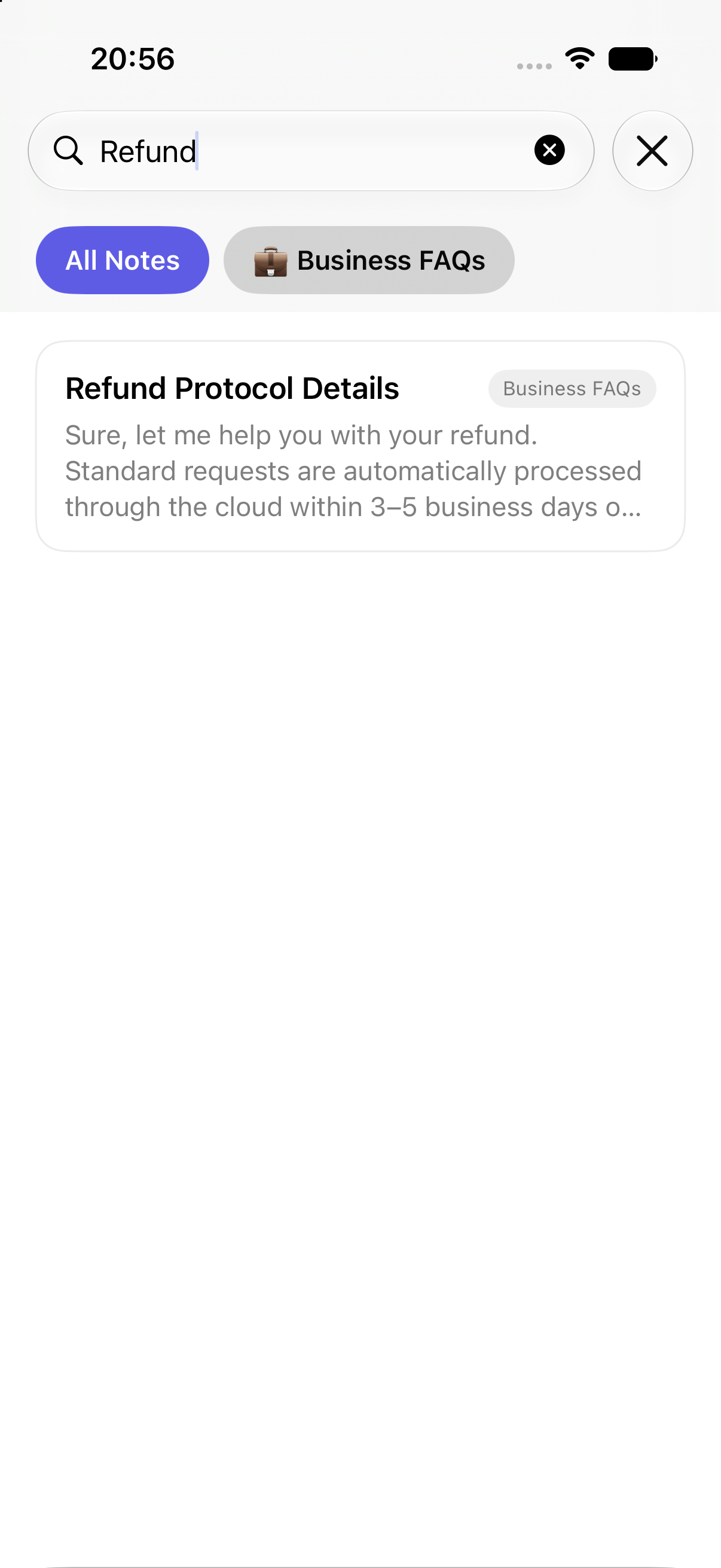
Type a word from the title or message and QuickCopy narrows the list instantly.
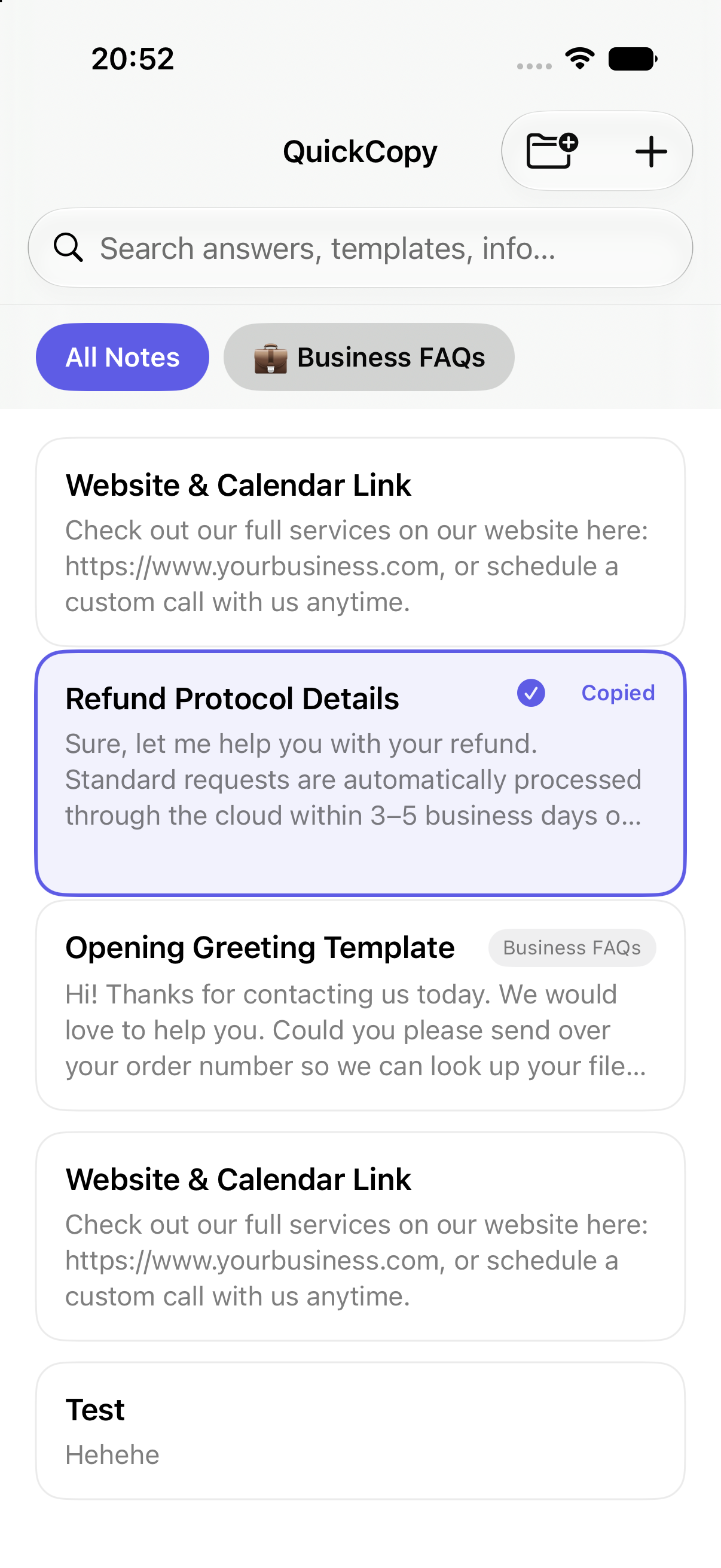
The whole card is the copy button. A clear confirmation tells you it’s ready for any other app.
Your words stay yours
QuickCopy doesn’t need an account and doesn’t send your snippets to a developer-operated server. Your library lives locally on your iPhone.
Simple from the start
No trial clock and no subscription. Start with the essentials, then unlock unlimited space when QuickCopy earns a place in your workflow.
For the handful of details and replies you use most often.
One in-app purchase unlocks your complete snippet library.
Need help with QuickCopy, a purchase, or the upcoming App Store launch? Send an email and we’ll get back to you.